
Guide
XP600 DTF Printer Troubleshooting
XP600-based DTF printers are everywhere in small and mid-size shops. They’re workhorses, but the white-ink system needs discipline. Here’s how to keep an XP600 running.
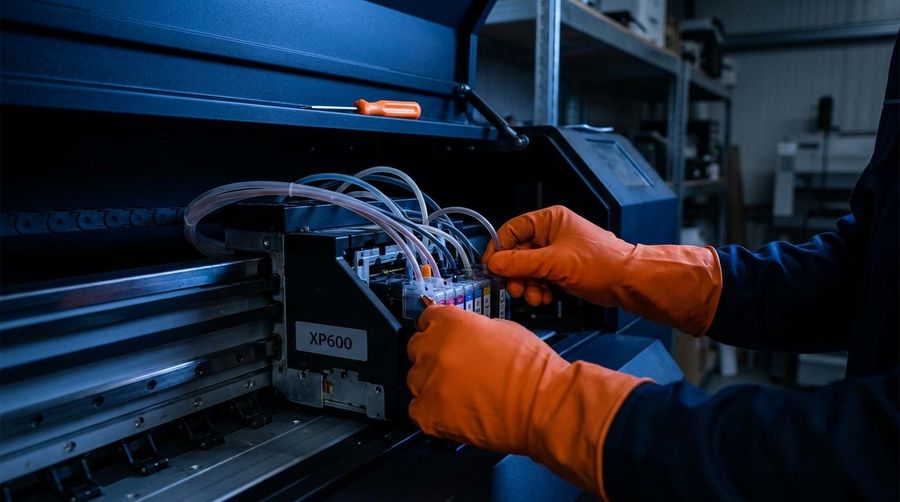
The XP600’s weak points
- White ink settling and clogging dampers if left idle
- Cap station and wiper wear causing failed cleanings
- Missing nozzles / banding from clogs
- Ink flow issues from tired pumps or air in the lines
Keep it healthy
- Circulate/agitate white ink daily — never let it sit un-stirred over a weekend.
- Print a nozzle test at startup and after cleanings.
- Service the cap station and wiper regularly.
- Replace dampers and filters on a schedule, not just when it fails.
When white won’t come back
Nine times out of ten an XP600 “dead white” call is a damper, cap or circulation problem — a cheap fix — not the head. Recover it properly before spending on a new one.
XP600 giving you trouble? Send your model and a nozzle test.
Get XP600 Help