Guide
DTF Printer Won’t Print or Initialize
A DTF printer that powers on but won’t initialize, home the carriage, or accept a job is almost always a sensor, communication or board issue — not a dead machine. Here’s how to narrow it down.
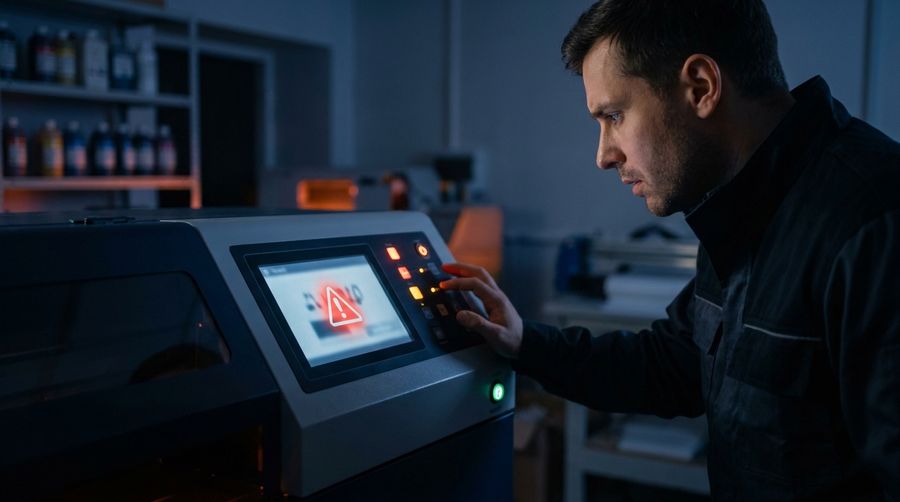
Start with what it’s telling you
Note any error code, blinking light, or where it stops (power-on, homing, or mid-job). That single detail usually points straight at the cause — write it down or photograph the panel before you do anything else.
Most common causes
- A jam or obstruction stopping the carriage from homing
- A cap-station or pump position error at startup
- A loose or dirty encoder strip confusing the carriage
- USB/network or driver conflict so the RIP can’t connect
- Mainboard, power-supply or firmware fault
What you can safely check
- Power fully off, look for anything blocking the carriage, then restart.
- Reseat the USB/network cable; try a different port or cable.
- Confirm the printer shows up in your RIP and the correct port is selected.
- Gently clean the encoder strip with a lint-free wipe (no solvents on the strip).
- If it throws a specific error code, get it — that’s the fastest path to a fix.
If it still won’t initialize after that, stop — repeated power-cycling won’t fix a board or sensor fault, and it can make a jam worse. Send us the code and model.
Printer still won’t start? Tell us the error code and model — we’ll diagnose it fast.
Get Help Now