Guide
DTF Printer Not Communicating With Your RIP
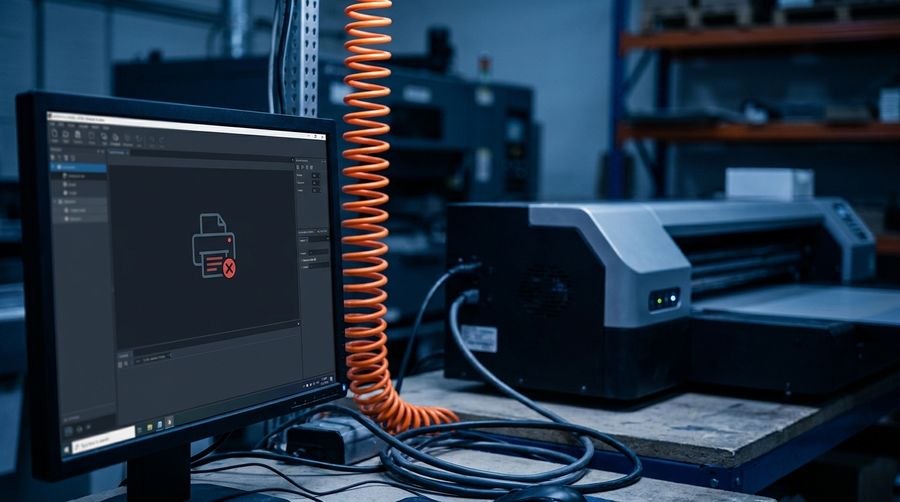
When the printer and your RIP software won’t talk, jobs stall or the printer shows offline. The good news: most communication problems are solved remotely, without a technician on-site.
Why it happens
- Wrong port selected, or a USB/driver conflict
- Outdated, mismatched or corrupt firmware
- A RIP setting, license or profile problem
- Network drop, IP change, or a flaky USB cable/hub
- Windows update that changed the driver or port
Try this first
- Confirm the printer is powered, online, and not showing an error.
- In the RIP, check the selected port matches how it’s connected (USB vs network).
- Swap the USB cable and use a rear port directly on the PC (not a hub).
- Restart the RIP, the printer, and the computer — in that order.
- If on network, confirm the printer’s IP hasn’t changed.
Still offline?
Firmware and RIP configuration issues are exactly what we fix over a screen-share — often in one session. Have your printer model and RIP name (and version) ready.
Printer won’t talk to your RIP? This is usually a quick remote fix.
Start Remote Support