Guide
DTF Film Skew: Why Crooked Loading Ruins Long Prints
A film roll loaded even slightly crooked won’t show on a short print — but it drifts, ghosts and bands over a long one. Here’s why no software setting fixes it, and how to catch a skew you can’t even see.
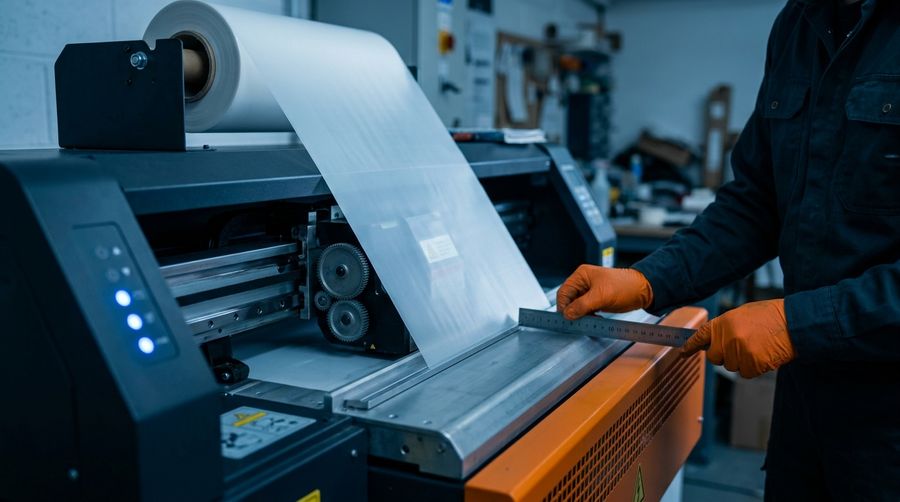
Skew is a mechanical, media-tracking problem — and it’s a trap, because it looks exactly like a calibration issue. People chase alignment settings for days when the real cause is a crooked film load.
What a tiny skew actually does
The defining feature of skew is that it accumulates with distance. About 0.1° of skew is ~1.7 mm of drift over a 1 meter print. So a short test looks perfect, and a long transfer walks toward one edge of the film. Along the way you get registration and color “walk” — successive passes don’t stack exactly — which reads as soft or doubled output that gets worse down the print, sometimes with faint banding.
Why no setting can fix it
Alignment offsets (bi-directional, step, head-to-head) are constant values. Skew is distance-dependent — it grows as the film feeds — so a constant can’t cancel a growing drift. You’d correct the top of the print and be wrong by the bottom. Most DTF printers have no skew-compensation setting at all.
Don’t try to fix it with head-angle / vertical calibration either. That adjusts the head being rotated, not the film being crooked. Tilt the head to match a bad load and you’ve created a genuinely misaligned head that only looks right for that one roll — turning one problem into two.
How to catch a skew you can’t see
You measure over distance — you don’t eyeball one spot (a truly unnoticeable skew is invisible in a single close-up):
- Print a long line or a full-width border.
- Measure the gap from the printed edge to the film edge at the START vs the END of the print.
- If that gap changes, the film is skewed or tracking off.
The fix is mechanical
- Reload the film square — even tension on both sides, roll centered and seated straight.
- Set the media guides; make sure the feed/pinch rollers are clean and gripping evenly.
- Confirm the take-up is parallel to the feed.
- If the feed hardware itself is off (roller not parallel, worn pinch, bent guide), that’s a mechanical repair — no software value will mask it.
Make it part of loading
Skew is introduced at loading, not by the film itself — so a quick load-straight check belongs in your routine every time you mount or re-thread a roll. It’s not mandatory, but the longer your prints and gang sheets, the closer it moves from “good habit” to “do it every time.”