Guide
DTF Color Calibration & Alignment
Banding, ghosting and dull color often aren’t a hardware fault at all — they’re calibration. Here’s what to align and profile to get clean, consistent transfers.
Bi-directional (head) alignment
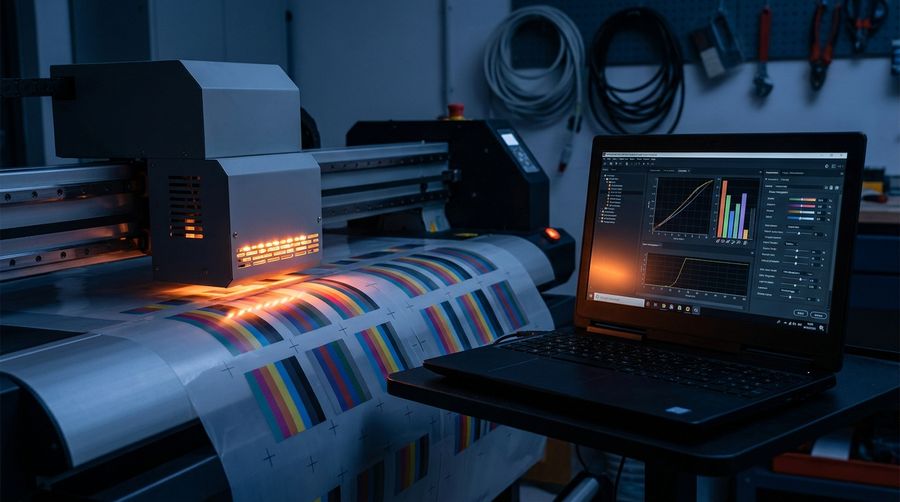
If prints look doubled or slightly ghosted, the head timing is off. Run the printer’s bi-directional alignment so both passes land in the same place. Do this after any head service or replacement.
Color calibration & profiles
- Use the right RIP profile for your ink, film and resolution
- Calibrate so colors are repeatable batch to batch
- Check white underbase settings — too little kills opacity, too much wastes ink
When calibration won’t fix it
If alignment and profiles are right but you still see banding, it’s back to nozzles or media feed — read a nozzle test and check tracking. Calibration can’t hide missing nozzles.
Prints still off after calibrating? Send a sample and a nozzle test.
Get Help