
Guide
Why You Can’t Perfectly Color-Match RGB to CMYK on DTF
Your artwork looks vivid on screen, but the DTF print comes out duller or shifted — and no amount of fiddling makes it match exactly. That’s not a mistake you’re making; it’s physics. Here’s what’s really going on and how pros actually get close.
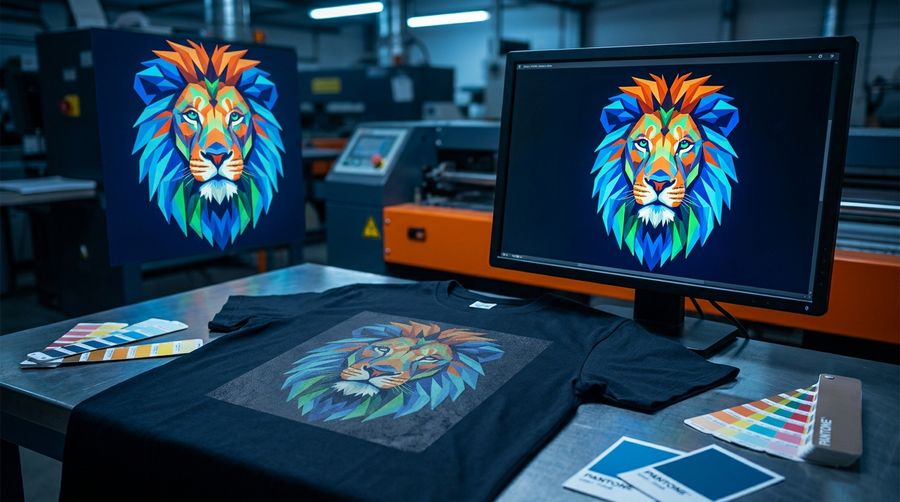
Screen and ink live in different worlds
RGB is screen color — additive light, with a huge range (gamut). CMYK is ink — subtractive, with a smaller gamut. Converting one to the other is inherently lossy: bright and neon blues, greens and oranges are frequently out of gamut for ink and simply can’t be reproduced. They get mapped to the nearest printable color. No printer, profile or setting can print a color the ink physically can’t make.
What actually gets you close
- An ICC profile built for your exact ink + film + printer + RIP combination.
- A sensible rendering intent (how out-of-gamut colors are remapped).
- Building an accurate profile needs a spectrophotometer to measure printed patches — most shops don’t have one and run generic or supplier-provided profiles, which get you in the ballpark, not dead-on.
DTF adds its own variables
Even a good profile can’t fully pin DTF, because the final color depends on things that happen after the ink lands: the white underbase, the powder, the cure, and the color of the garment underneath all shift how it reads. And if your monitor isn’t calibrated, the on-screen “target” you’re chasing isn’t trustworthy to begin with.
So how do pros match color?
- Print it.
- Look at it on the actual garment, in good light.
- Tweak — ink density, RIP curves, the profile, or nudge the design colors.
- Repeat until it’s right.
For brand or Pantone colors, print swatches and compare by eye to a physical reference. Even with full color management, out-of-gamut colors can’t be matched — and the final sign-off is always visual. Anyone promising a perfect screen-to-shirt match is overselling it.